
Your first site
Click + New Site (or press ⌘K and type “new”).
- WordPress: pick a name, and ReDock provisions PHP, MySQL, and the install for you.
- From a folder or repo: point at code you already have; ReDock detects the stack and build pipeline.
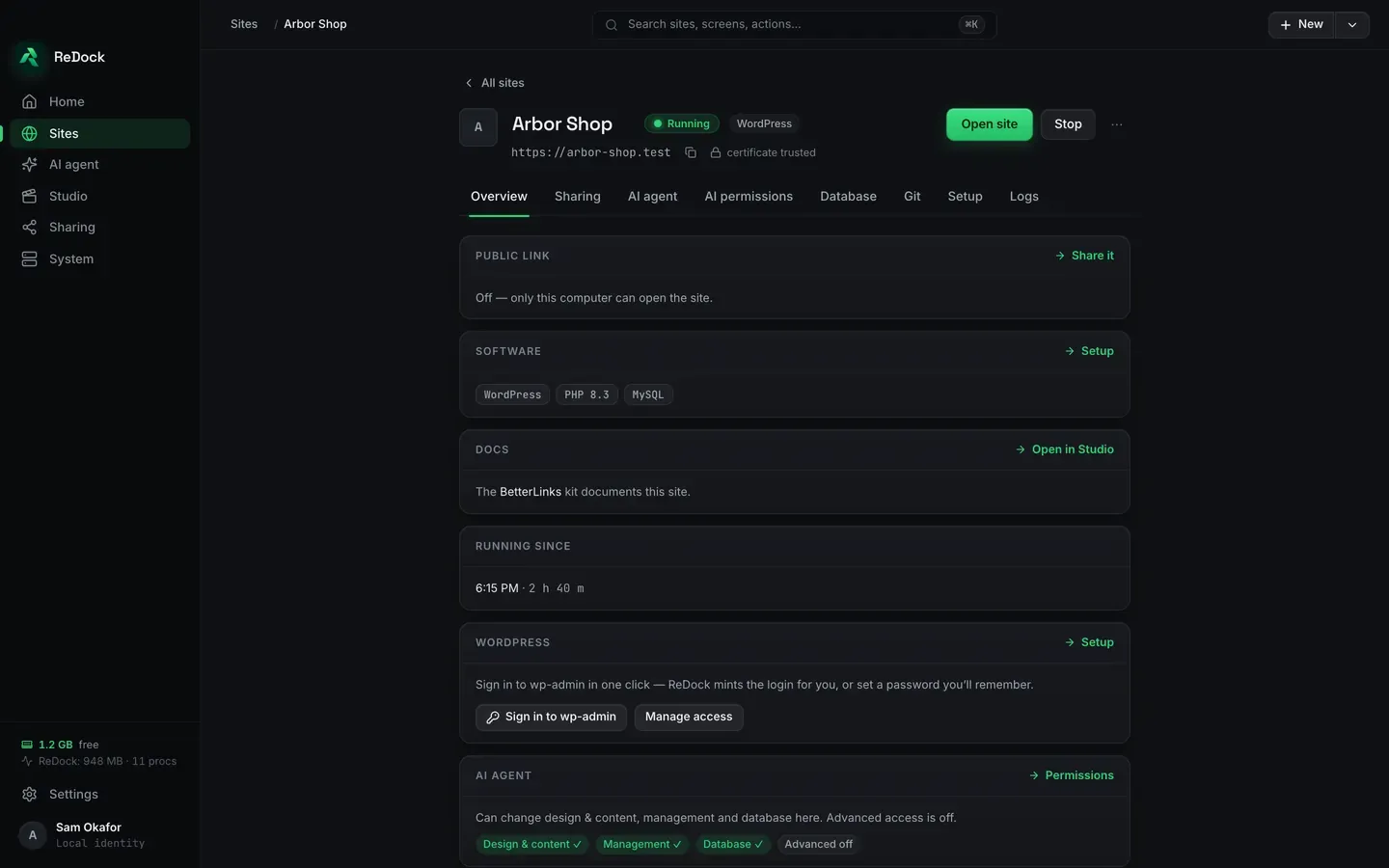
Every site gets https://<name>.test with a trusted certificate, its own runtime pins, and an
honest status pill: Running · Starting… · Stopped · Error · Attention · Checking…. The pill never
claims what the process tree cannot prove.
Download ReDock for macOS or Windows. ReDock Web, for the live WordPress sites you host, is at app.redock.xyz.