
Publish, unpublish and put a version back
A site’s Manage → Content tab lists every post and page, what state each one is in, and the four things an agency does to them: publish, take back down, move to the trash, and put an older version back.
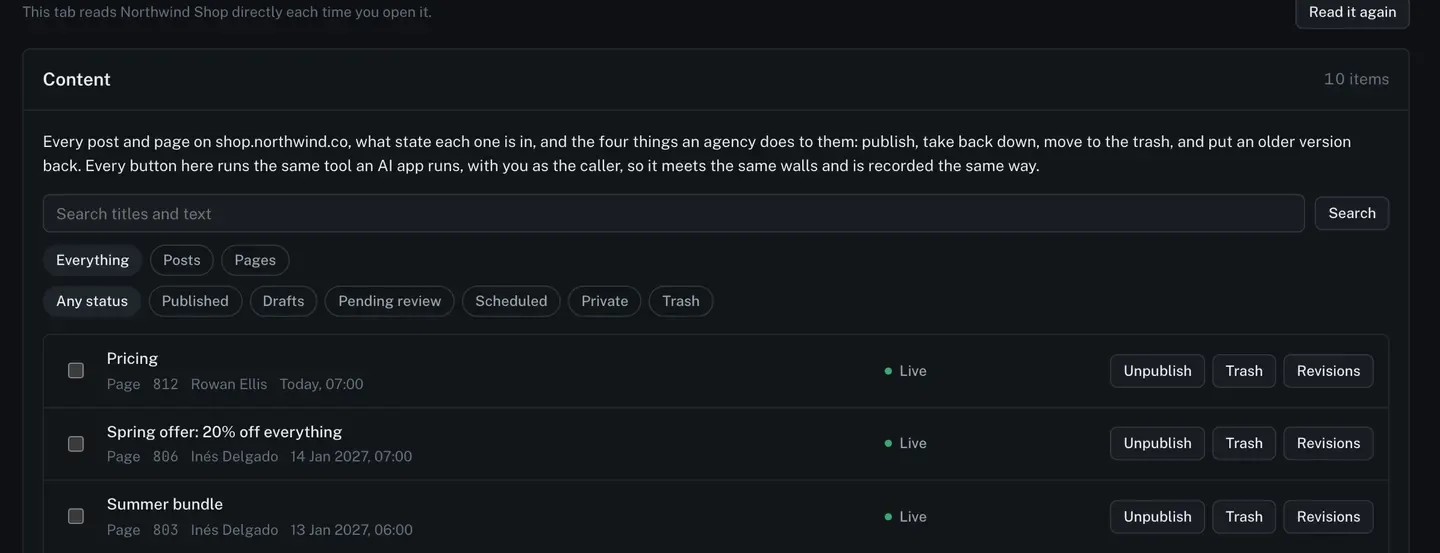
The list is the 50 most recently changed posts and pages together, newest first. WordPress serves posts and pages as two separate lists, so choose Posts or Pages above to page through all of one.
Change one
Section titled “Change one”Each row carries the buttons that apply to the state it is in. A live page offers Unpublish and Trash. A draft offers Publish. Something in the trash offers Restore.
Every button here runs the same tool an AI app runs, with you as the caller. It meets the same walls, and it is recorded the same way. If your usage policy has publishing switched off for AI apps, that switch is about AI apps: your own press still works.
Change several
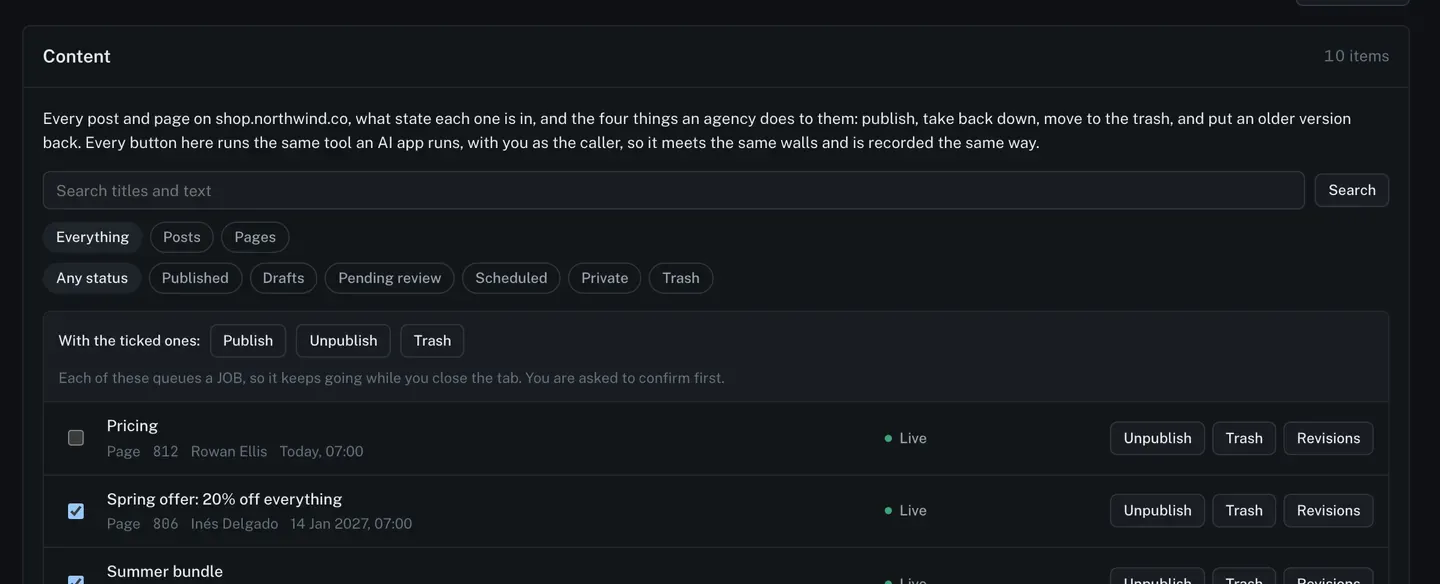
Section titled “Change several”Tick the boxes down the left and act on the lot at once.
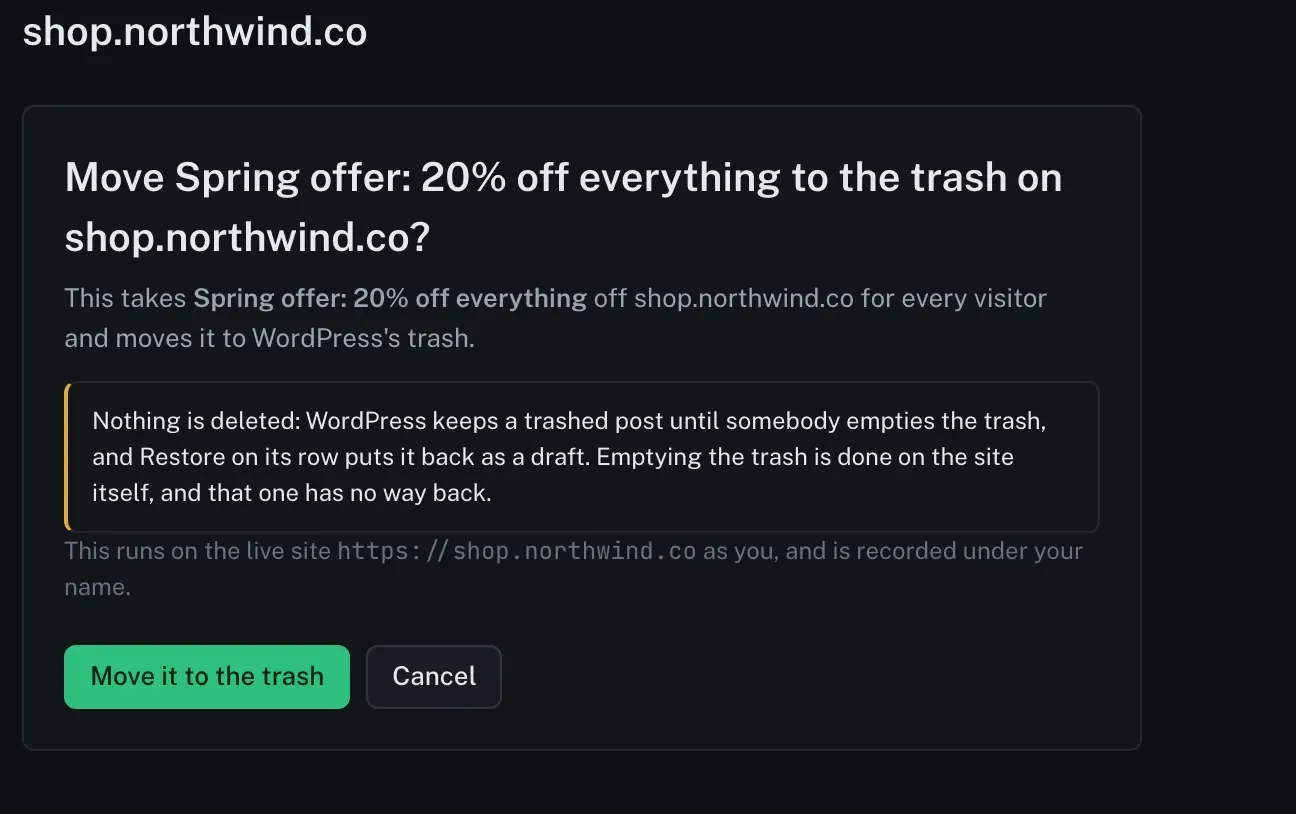
Whatever you press, the confirm page names the post or page, the site, and what the change does before anything happens.
A change across several items runs as a job, so it has a page, per-item results and a record.
Put a version back
Section titled “Put a version back”Revisions on any row lists every saved version of that post, newest first.
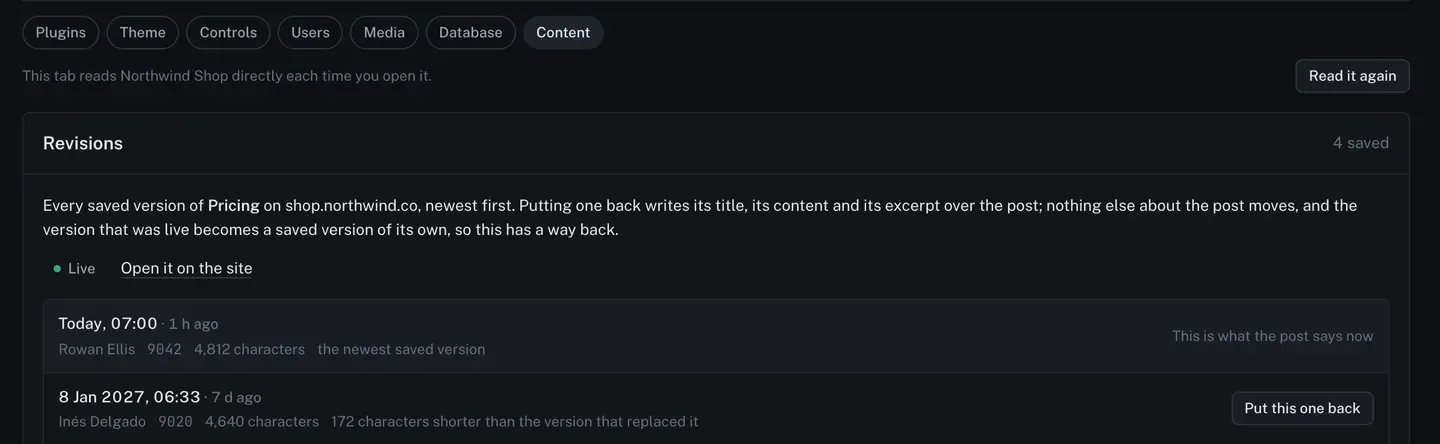
Putting one back writes its title, its content and its excerpt over the post. Nothing else about the post moves, and the version that was live becomes a saved version of its own, so this has a way back too.