
Install ReDock
ReDock runs on macOS 12 or later on Apple silicon, and on 64-bit Windows 10 or later. Neither build is signed yet, so the very first open takes one extra click: right-click then Open on macOS, More info then Run anyway on Windows.
- Download the
.dmgand drag ReDock to Applications, or run the Windows installer. - First launch asks one permission: to trust ReDock’s local certificate authority. This is
what makes
https://*.testshow a real padlock. The change is scoped, auditable, and removed on uninstall. - That is the whole install. No Homebrew, no Docker, no PATH edits.
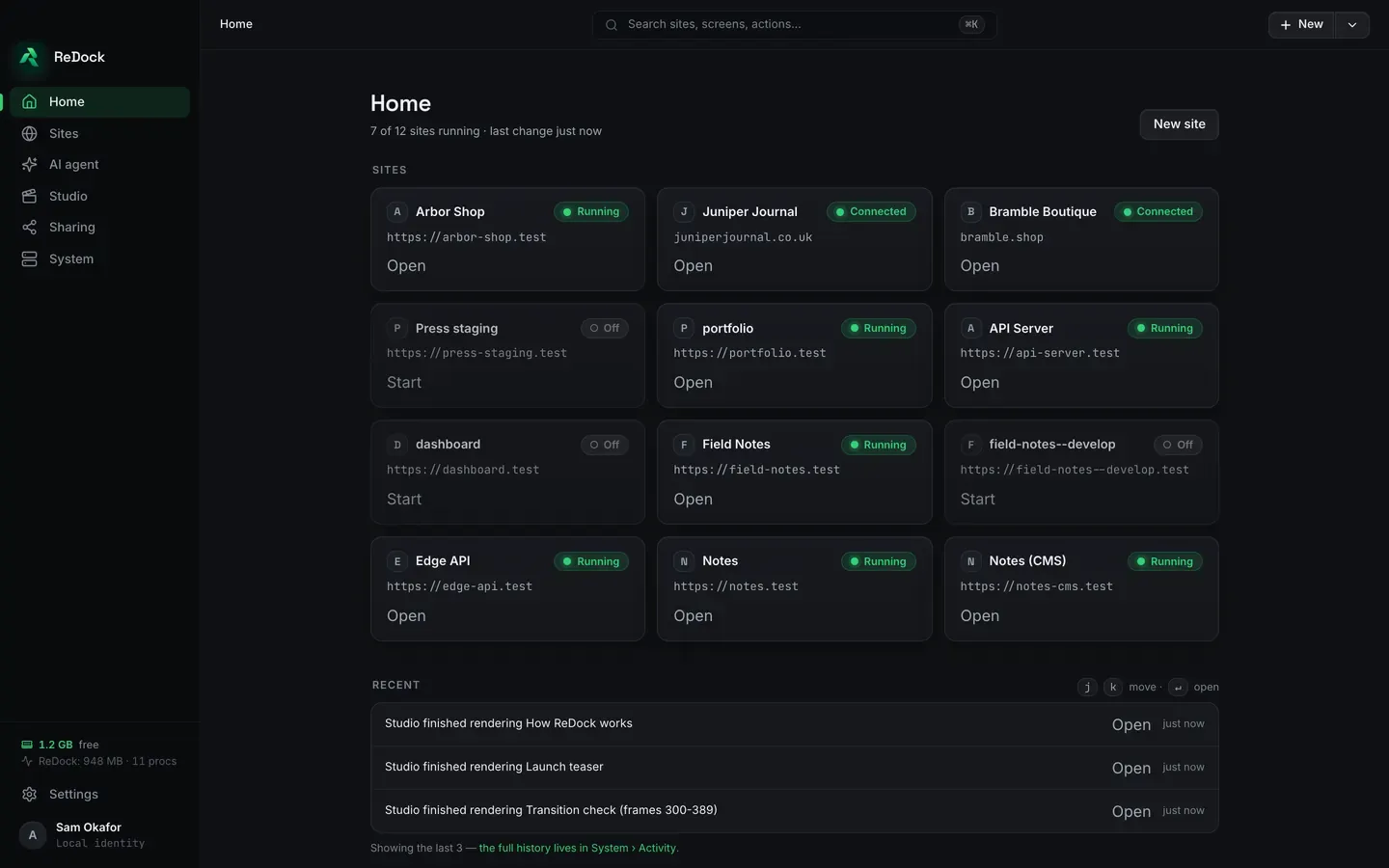
ReDock never installs runtimes onto your system itself: every PHP, Node, Bun or MySQL version lives in ReDock’s own toolchain directory, per version, per site.
The Studio, for docs, video and images, runs on macOS only.
ReDock Web, the dashboard for the live WordPress sites you host, is a separate thing and needs no install at all: it is at app.redock.xyz.