
Reports in your own name
A client group’s monthly report can go out wearing your name. What arrives is a document. There is no account for the client, no sign-in, and no link back into ReDock.
Set your name and colours
Section titled “Set your name and colours”Settings → Client branding is one page and it changes every client report at once.
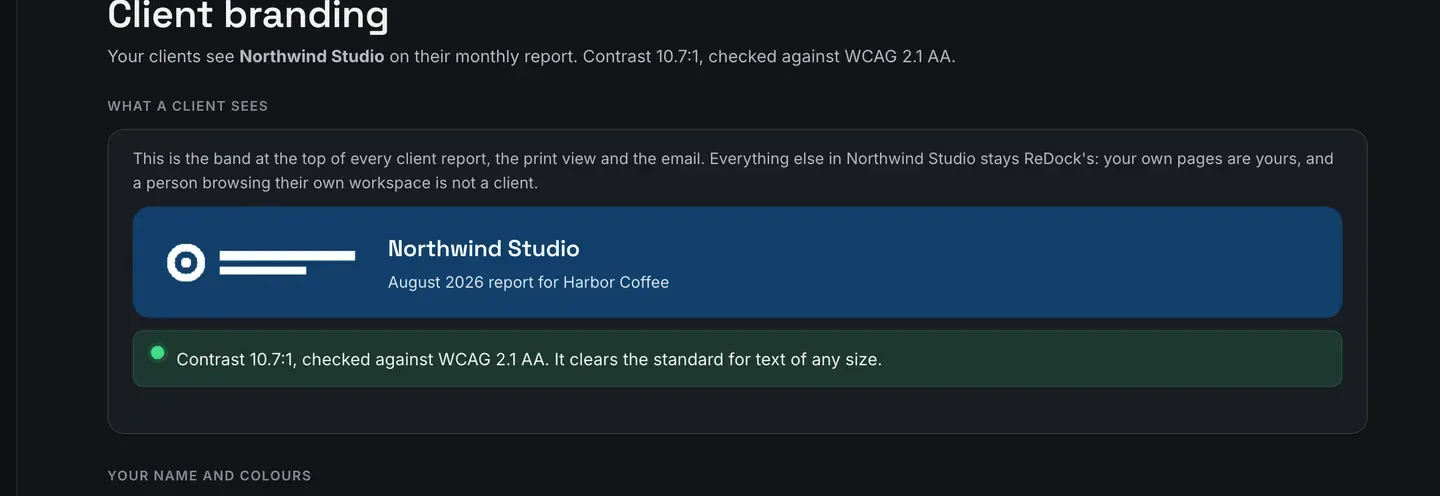
- Name your clients see goes on the report. Name their email arrives from goes on the mail.
- Brand colour is the band at the top of a report and the rule under each heading. Text on the brand colour is the words drawn on that band.
- Save.
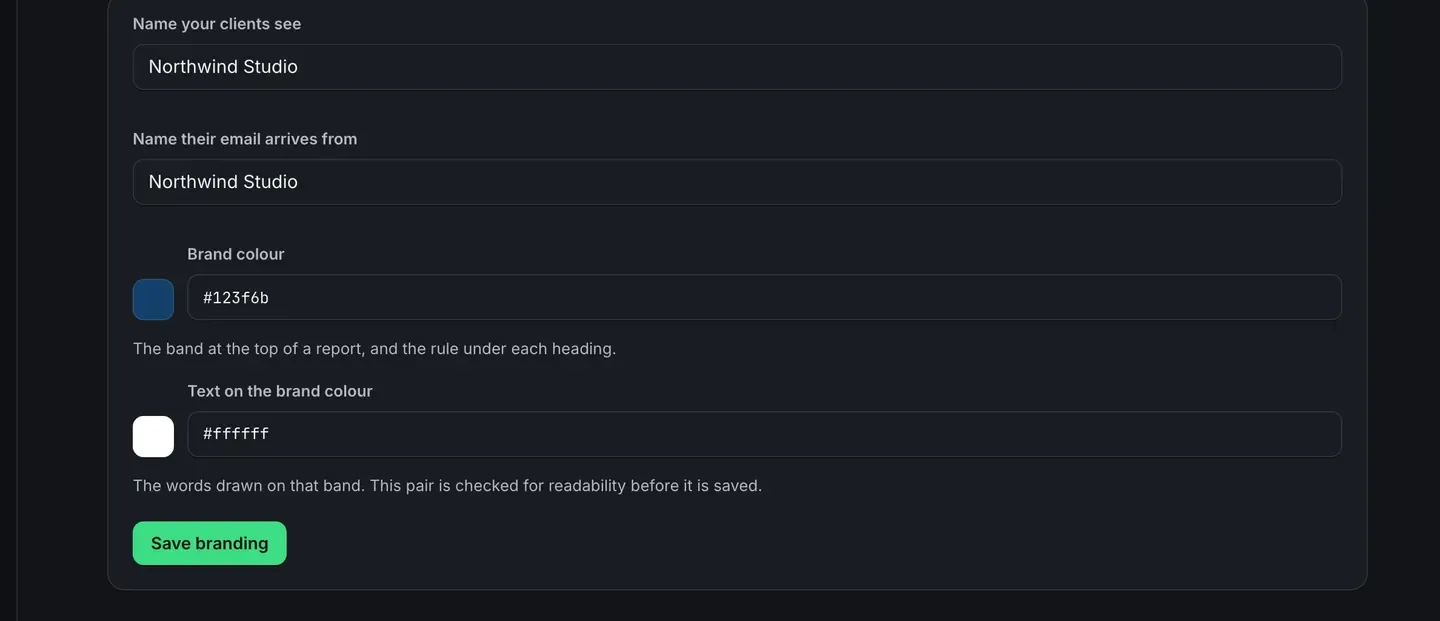
The pair is checked for readability before it is saved. A combination that would put pale text on a pale band is refused with the measured contrast ratio in the message, so nothing unreadable reaches a client.
Only the band at the top of a client report, the print view and the email change. Everything else inside your workspace stays ReDock’s: your own pages are yours, and a person browsing their own workspace is not a client.
Add your logo
Section titled “Add your logo”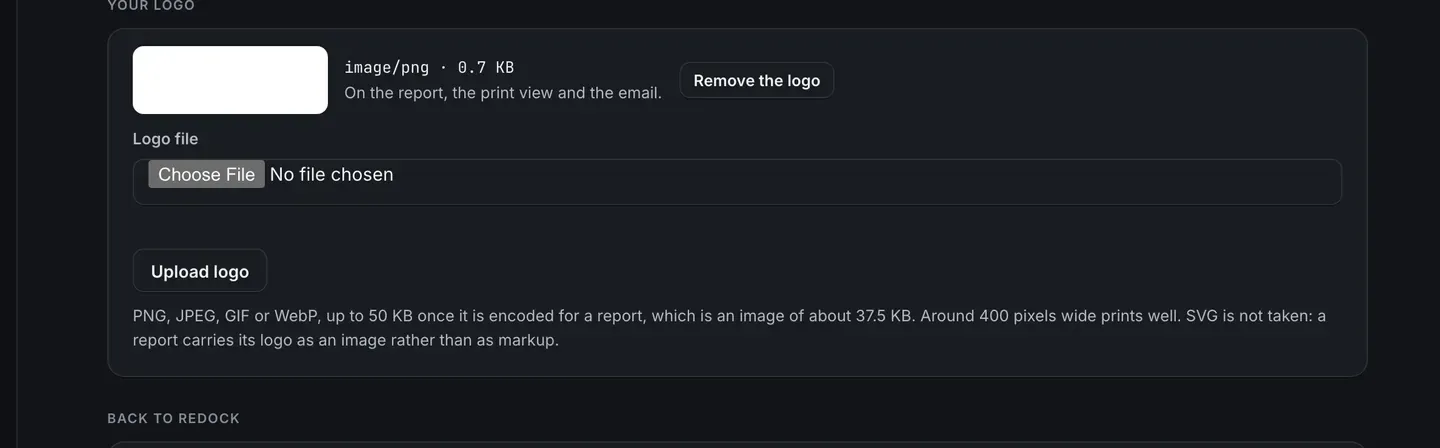
PNG, JPEG, GIF or WebP, up to 50 KB once it is encoded for a report. Around 400 pixels wide prints well. SVG is not taken, because a report carries its logo as an image rather than as markup.
Send it to the client
Section titled “Send it to the client”Each client group has a page of its own for this.
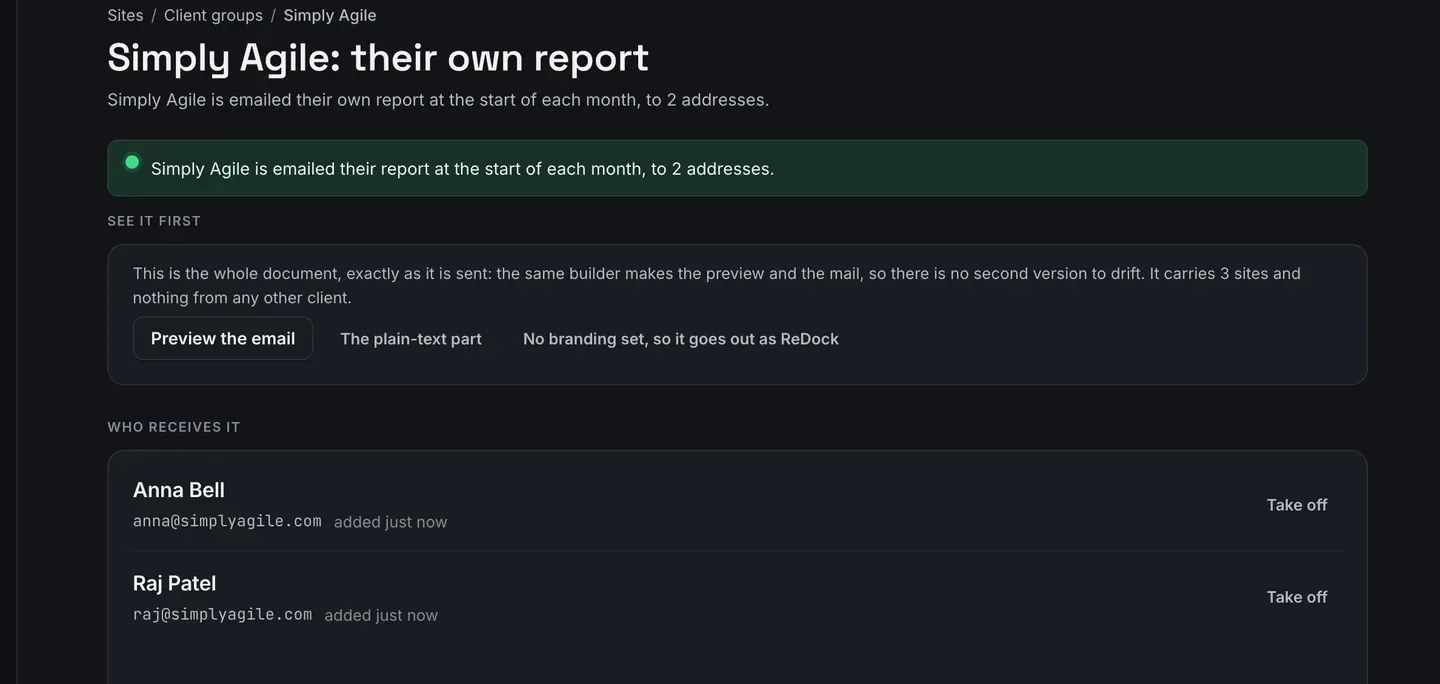
- See it first. The preview is the whole document, exactly as it is sent: the same builder makes the preview and the mail, so there is no second version to drift.
- Who receives it. Up to 20 addresses. They receive a document, not a login.
- Send it every month. Off unless you switch it on.
One report per month, ever. A report already sent for a month is never sent again, whatever happens to the schedule.
What has been sent records every month that goes out, including one that did not land.
Turning it off
Section titled “Turning it off”Remove your branding puts ReDock’s own name and colours back on every client report. Your recipient lists and switches are not touched.
Nothing about one client ever appears on another client’s report.